Publish Your Idea Online
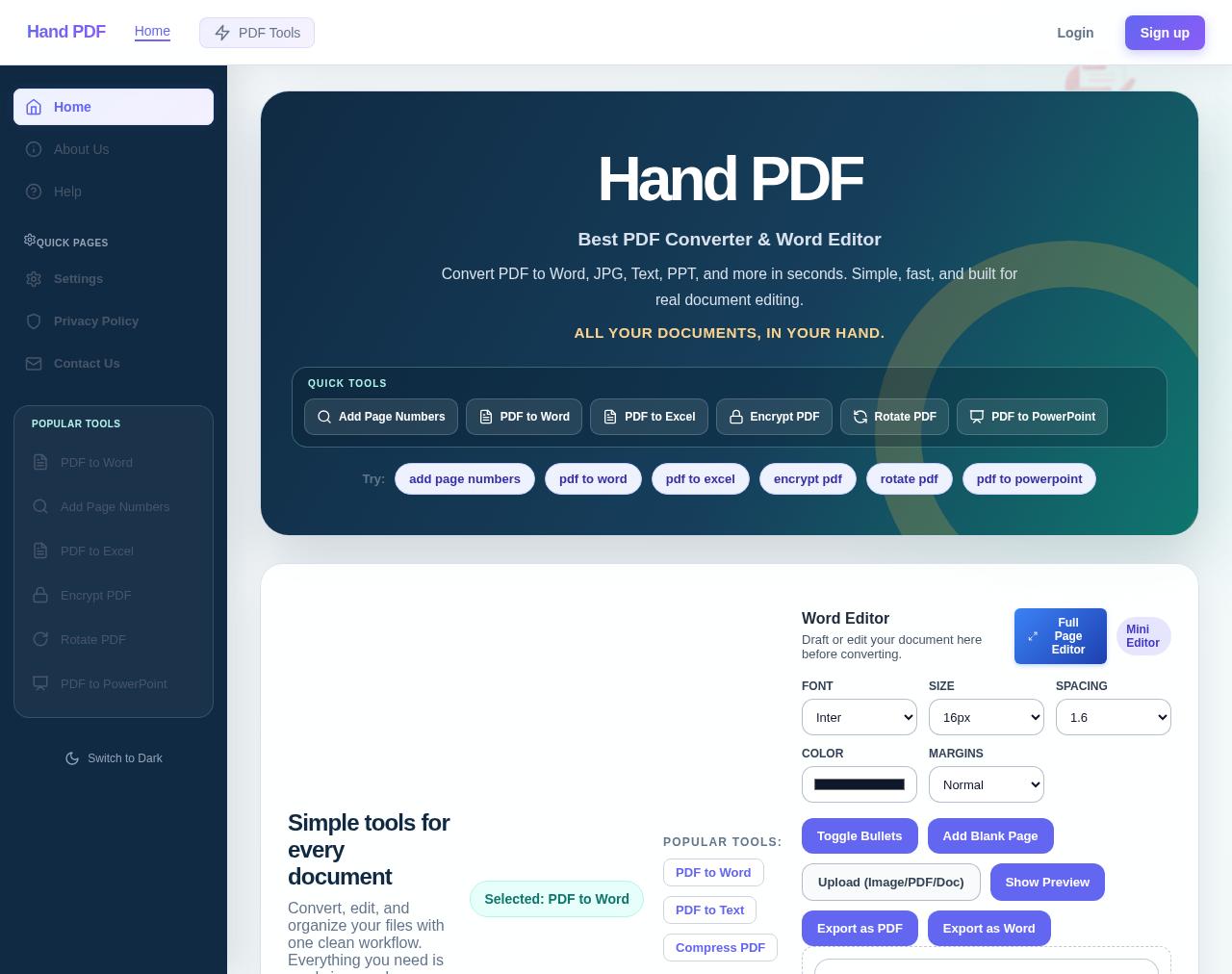
Write and format notes, articles, reports, and research documents in your browser. Add images and tables, keep drafts private, publish a shareable page, or export your work as PDF.
What you can do
- Format text with fonts, sizes, colors, alignment, lists, and tables.
- Add and resize images, then arrange document content.
- Save private drafts, publish a public reading link, or print and export PDF.
How it works
- Open the document workspace and create a draft.
- Write and format your content; add images or tables when needed.
- Keep the draft private, publish a shareable page, or export and print a PDF.
Popular HandPDF tools
Frequently asked questions
How do I publish an idea online with HandPDF?
Sign in, create a document, write and format your content, then choose Publish to make a shareable public page.
Can I add images and tables to my online document?
Yes. The editor supports images and tables, text formatting, and document layout controls.
Can I keep a document private before publishing?
Yes. New documents are private drafts by default. Choose Publish only when you are ready to share a public link.
Can I export or print my document as a PDF?
Yes. Use Export PDF to download a PDF or Print to open your browser print and Save as PDF options.
What problem does this writing workspace solve?
It brings drafting, formatting, images, tables, private saving, publishing, and PDF export into one browser workspace.
What does the HandPDF writing workspace help solve?
It brings drafting, formatting, image and table insertion, private saving, publishing, and PDF export into one browser workspace.